
Photos & Drawing (iOS)
Behind the More tab (three dots) are the visual documentation views of the show: Photos and Drawing.
Photos
The Photos view shows all images uploaded to the show. Photos are managed in the web app and linked to channel numbers — in the iOS app they are then available to view.
Channel filter
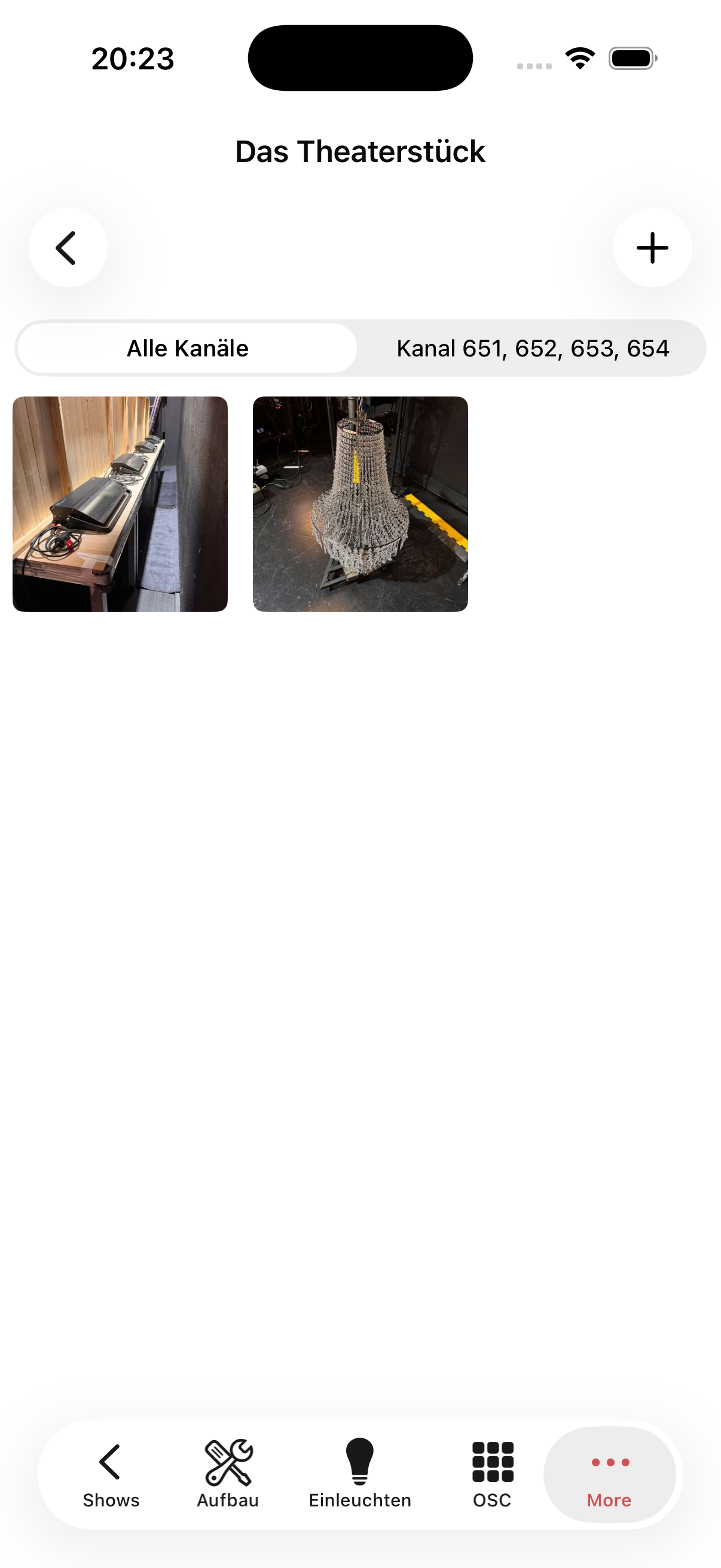
At the top of the view there are filter buttons:
- All channels — shows all photos in the show
- Channel x, y, z — shows only photos assigned to specific channel numbers in the web app (e.g. "Channel 651, 652, 653, 654")
Full screen
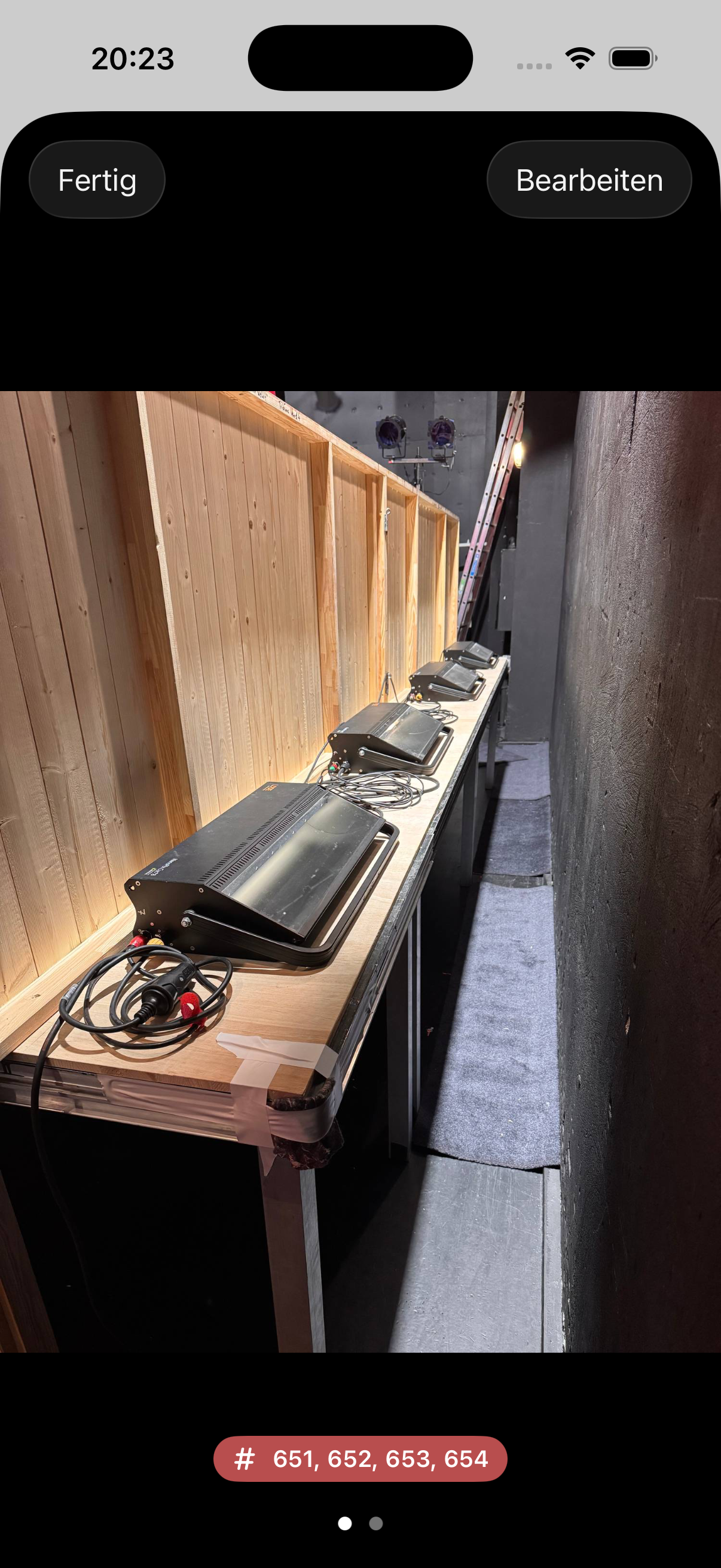
Tapping a photo opens the full-screen view. The assigned channel numbers are shown at the bottom (e.g. # 651, 652, 653, 654). Tap Done to return to the gallery.
Add photos
The + button in the top right lets you pick one or more photos from your photo library and upload them. The camera icon next to it takes a new photo.
Focus reference
During focusing, the reference photos assigned to the current channel are quickly accessible via More → Photos — ideal for comparing the focus position without switching between apps.
Drawing
The drawing shows the stored stage plan for the show. It is uploaded in the web app and is available read-only in the iOS app.
Editing
Photos have their own tab. Long-press a photo to edit its caption (also by dictation) and channel number, or to delete it. See Editing in the apps.